Mining and mineral processing

Custom AI for mining and mineral processing.

We do not sell a workbench, or any software. We build a private, highly customised solution around your plant, your data and your people. The workbench on this page shows what that build can look like: plant data, testwork and drawings in, plain questions, reviewed and traceable answers out.

A demonstration, not a product · every demo uses synthetic data

Jump to an area of the demonstration

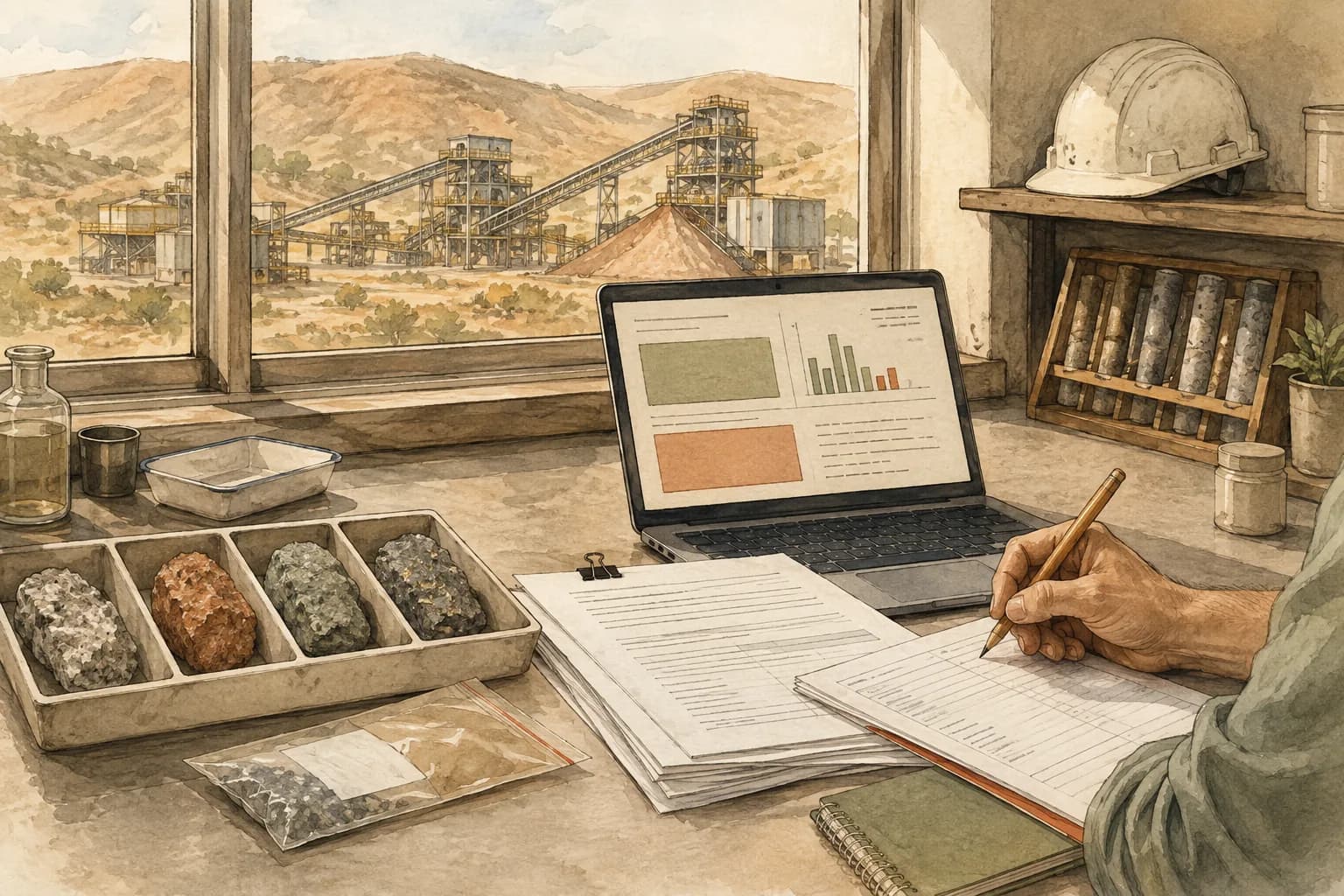
Illustration of an engineer reviewing laboratory reports beside mineral samples and a processing plant.

What a build for mining and mineral processing comes with

01

Domain knowledge embedded

A reviewed method library for sampling, mass balance, comminution, flotation, hydrometallurgy and historian data, each card with a worked example, and your own site documents beside it. Every calculation cites the card it followed.

02

Numerics you can check

Reviewed Python functions for balances, partitions, kinetics and uncertainty run in an isolated sandbox. Every run leaves a receipt: the script, the inputs by hash and the exact image it ran in.

03

Local models only

Every model call runs on private hardware, yours or Eleticle’s in Australia. No plant data leaves the site the workbench runs on, and no outside model sees it at any stage.

04

Your files, as they are

Historian exports, laboratory workbooks, testwork PDFs and flowsheet drawings arrive by upload, up to five million rows or one gigabyte a file. No historian or LIMS connection is needed, and none is opened.

05

A person signs off

The workbench proposes a plan and asks before it assumes. A flowsheet is confirmed by a person, a report is signed by a person, and a scheduled run never signs anything.

06

Honest about limits

An area that is thin says what it cannot compute and which class of tool would. Uncertainty, unsupported conclusions and failed checks are reported, not smoothed over.

Seven areas

The demonstration workbench, in seven areas

The workbench is one build, shown here area by area. Each area is a playbook it loads in the background: the methods it may use, the inputs it must ask for, the checks it runs before publishing, and the report it produces. A task can draw on several at once. A build for your site would carry the areas your work needs, and others written for it.

In this demonstration the numerics live in the first four areas. Simulation, chemistry and connected models work from the flowsheet, a named geochemical engine and the method cards, and say plainly what they cannot compute. It does not control a plant, optimise a pit or stand in for a proprietary simulator. The full list is below.

The films are illustrated walkthroughs: the interface is redrawn to the app’s design on synthetic data, and each film computes the numbers it shows from its own inputs, with a script in the repository that prints them. Under each film the question, the result and the review action are written out.

Illustrated walkthrough · synthetic data

Asked
Yesterday’s daily table and the silica trend, with the out-of-spec hours marked.
Result
5 of the 21 assessed hours above 3.0 % SiO₂, with the three interpolated hours shown but not counted; one 40-minute gap left open, not filled; the feed assay unchanged since 01:00 and said so.
Review
A person signs the daily report, and the bench is scheduled to run itself at 06:00.

01 · Working as: plant performance

Daily analysis, historians and dashboards

Historian exports and shift files become the daily table, the trend and a data-quality register, on a schedule you set.

  • Reads each file as it is. Comma decimals, duplicate stamps, gaps, and stuck or interpolated stretches are found at upload and listed, never silently filled.
  • Aligns laboratory values to the hour they belong to, time-weights every interval, and keeps a tag without units labelled as such.
  • A standing bench imports each new file on your schedule, appends the register, runs the checks and publishes the day’s table, trend and findings.

The ground it stands on: Historian dashboards and the daily spreadsheet.

Illustrated walkthrough · synthetic data

Asked
Close the balance and say whether the audit tail assay fits.
Result
Rank 6 of 6 unknowns, every node residual zero; Cu recovery 92.050 %, mass yield 4.200 %, recycle 21.88 % of feed.
Review
The audit tail assay, 0.140 % Cu against 0.0996 calculated, is compared beside the solve, never substituted; no reconciliation without precisions.

02 · Working as: reconciliation

Reconciliation and metallurgical accounting

A flowsheet, stream assays and flows become a closed balance with every residual shown and every recovery’s denominator named.

  • Builds the flowsheet from a connections table or a drawing, and marks every result on it as unconfirmed until a person confirms it.
  • Writes the conservation equations, reports rank and degrees of freedom, and gives the admissible range when a balance is not unique instead of picking a value.
  • Reconciles with the precisions you supply, or runs unweighted and says so. An audit assay is compared, never substituted.

The ground it stands on: Metallurgical accounting packages and the month-end workbook.

Illustrated walkthrough · synthetic data

Asked
Are the duplicates precise enough, is the standard biased, and fit the kinetics test.
Result
Relative SD 3.3 % from 38 pairs, two outside ±10 %; bias +0.7 %, not shown at n = 12 (t = 0.85 against 2.20); the fit gives k = 0.622 min⁻¹ [0.608, 0.636] and R∞ 91.0 % [90.4, 91.6].
Review
STD-A run 9 sits outside +3σ, so its batch is re-run before acceptance. The bench does not accept or reject the batch.

03 · Working as: statistics

Statistics, experiments and scientific plots

Duplicates, standards, kinetics tests and factorial trials analysed the way the method cards say, with the plot an engineer expects.

  • Nested duplicates for precision and reference materials for bias, kept apart. Censored assays handled below the detection limit.
  • Control charts, duplicate scatters with limits, grade–recovery curves, first-order kinetics fits with intervals and two-level factorial effects.
  • Every fit is published with its diagnostics and its valid range, and a small-sample difference is compared against replicate error before it is called real.

The ground it stands on: Statistics suites and the QA/QC spreadsheet.

Illustrated walkthrough · synthetic data

Asked
Circulating load, the partition curve and the P80s from this survey, on a cumulative-passing basis.
Result
P80 119, 740 and 574 µm for overflow, underflow and feed; circulating load 238 % by the water balance and 234 % by the size balance; the partition fitted from the two products gives d50c 142 µm, sharpness 2.05, bypass 22 %; Wio 14.0 kWh/t.
Review
Two coarse classes of the feed-based partition exceed 100 % from sizing noise and are flagged, not clipped. No equipment sizing, because the cyclone model’s calibration basis is not on the bench. A person signs the review.

04 · Working as: concentrator

Concentrator calculations and circuit models

Survey sizings and circuit data become partition curves, circulating loads and specific energies, with the size convention stated.

  • Size distributions and P80 by a declared interpolation, and the Bond operating work index with its energy and size restrictions stated.
  • Size-by-size partition with d50 and sharpness, the fitted hydrocyclone curve, and circulating load and classification efficiency by water and size balance.
  • Flotation kinetics and batch-versus-mixed-tank comparison. No equipment sizing from a model whose calibration basis is unknown.

The ground it stands on: Circuit simulators and the survey workbook.

Illustrated walkthrough · synthetic data

Asked
Steady state at 40 t/h dry feed and 33.3 % solids overflow, then a what-if with the water addition capped at 60 t/h.
Result
Converged in 45 direct-substitution passes with the tear stream moving under 10⁻⁹ t/h; 70.120 t/h of water gives the 33.30 % solids overflow; circulating load 200 %; under the 60 t/h cap the overflow goes to 36.36 % solids and the classifier feed to 56.26 %.
Review
The classifier is the app’s fixed-fraction splitter and the mills are conversion rules written for this bench, said so on every cell; the what-if holds the classifier’s split fractions by a consented assumption.

05 · Working as: simulation

Whole-plant process simulation

A confirmed flowsheet with unit splits and recoveries iterates to a steady state, recycles torn, with the convergence history beside the result.

  • Reads the plant’s block flowsheet and each circuit flowsheet off a drawing into one object the whole workbench shares.
  • Solves the linear balance over the graph and a sequential-modular steady state over fixed splits, and runs a what-if on either.
  • Says plainly which unit models it does not carry and which class of simulator would. A result on an unconfirmed topology is labelled as such.

The ground it stands on: Process simulators, for the circuits that fixed splits honestly describe.

Illustrated walkthrough · synthetic data

Asked
Will gypsum scale in the thickener overflow line?
Result
At 25 °C the sample is slightly undersaturated in gypsum (SI −0.05, close to saturation) and supersaturated in calcite (+0.92) and dolomite (+1.63), with phreeqc.dat; the engine, the database and its digest on the receipt.
Review
An SI at the sample temperature says what can precipitate there, not how fast and not what the 38 °C line does, which is not modelled; no dose is recommended, and the next step is a sample at line temperature.

06 · Working as: chemistry

Chemistry, water and critical minerals

Water analyses and leach questions answered with a named thermodynamic database and source-backed method cards, never from memory.

  • Aqueous speciation and saturation indices through a geochemical engine, with the engine, the database and its version on the receipt.
  • Hydrometallurgy and critical-minerals methods from reviewed cards with worked examples, each with its source locator.
  • Holds one line: computed with a named database, or not stated. No pH, saturation index or stoichiometry offered as a rough estimate.

The ground it stands on: Geochemical engines and the hydrometallurgy reference shelf.

Illustrated walkthrough · synthetic data

Asked
Grade–tonnage at 1 % cut-offs from 50 to 65, the strip ratio, and a section at Y = 250.
Result
120.05 Mt at 57.50 % Fe above a 50 % cut-off and 40.0 Mt above 60 %, tonnage-weighted; strip ratio 0.25; 105 duplicate coordinates found at upload.
Review
Asked which blocks to mine first, it answers that a schedule is beyond it and gives the cut-off sensitivity instead.

07 · Working as: connected models

Connected models, equipment and logistics

A block model becomes grade–tonnage curves, cut-off sensitivity, strip ratio and plan and section views, and the workbench says where a plan begins.

  • Tonnage-weighted grade above each cut-off, margin sensitivity to price and cost, and strip ratio, all from the model as uploaded.
  • Plan and section views with a colour scale and equal axes. Duplicate blocks and lattice gaps reported from the upload profile.
  • Pit optimisation, scheduling and fleet simulation are named as beyond it, so a random scatter is never dressed up as a plan.

The ground it stands on: Mine planning and logistics tools, up to the point where a schedule starts.

How a bench works

You bring the question. It shows its work.

In the demonstration, an engineer without code or data-science skills works a bench from ordinary prompts and is never asked to pick a specialism first. A build for your site keeps that shape and takes your files, your conventions and your sign-off rules.

01

Drop in

Files, drawings and documents go on a bench. Each upload is profiled at once: cadence, gaps, decimal locale, duplicate keys, stuck and interpolated stretches.

02

Ask in plain language

The workbench works out the task and loads the right areas in the background. A chip shows what it is working as, and one click corrects it.

03

Plan, consent, act

For multi-stage work it shows a plan, asks what it must and states what it assumes. Consented answers go into a pinned brief, so a convention is decided once.

04

Review, sign, export

Cells land step by step, each with its run receipt. The last step reviews residuals and unsupported conclusions. A person signs the report, then HTML, PDF or XLSX export follows.

Standing benches

The daily review, on a schedule

A bench can stand. It takes the site’s files as they arrive, works the day’s playbook at the time you set, and keeps the canvas as the dashboard: the daily table, the trend, the control chart, updated by each run.

Contract

Which of the site’s files map to which register, and the columns that identify a row.

Schedule

A time on the organisation’s clock. Each run imports what is new and works the day’s playbook.

Registers

Datasets with a stable key and lineage columns, appended run after run, never replaced.

Findings and sign-off

Findings carry a severity. The latest report waits for a person’s signature.

What it does not do

Said up front

The demonstration preserves what was supplied and what was computed. A green status does not certify truth, and the people reviewing a result stay responsible for it. A build for your site is scoped the same way, with its limits written down.

A build runs on the same four deployment options as everything Eleticle delivers. Run it where you want.

  • Does not control the plant and writes to no control system.
  • Does not optimise a pit, schedule a mine or simulate a fleet, and says so when asked.
  • Is not a proprietary process simulator. It carries the linear balance and a steady state over fixed splits, and names the unit models it lacks.
  • States no chemistry from memory. A result comes with its database, or not at all.
  • Opens no historian or LIMS connection. Files arrive by upload.
  • Is not the metal account of record. It reviews beside it.

Have plant data that deserves better than a spreadsheet?

Request a free session. Bring one file and one question, and we will work it with you and scope the build your site needs.