Business Guides
How a Free Session Works
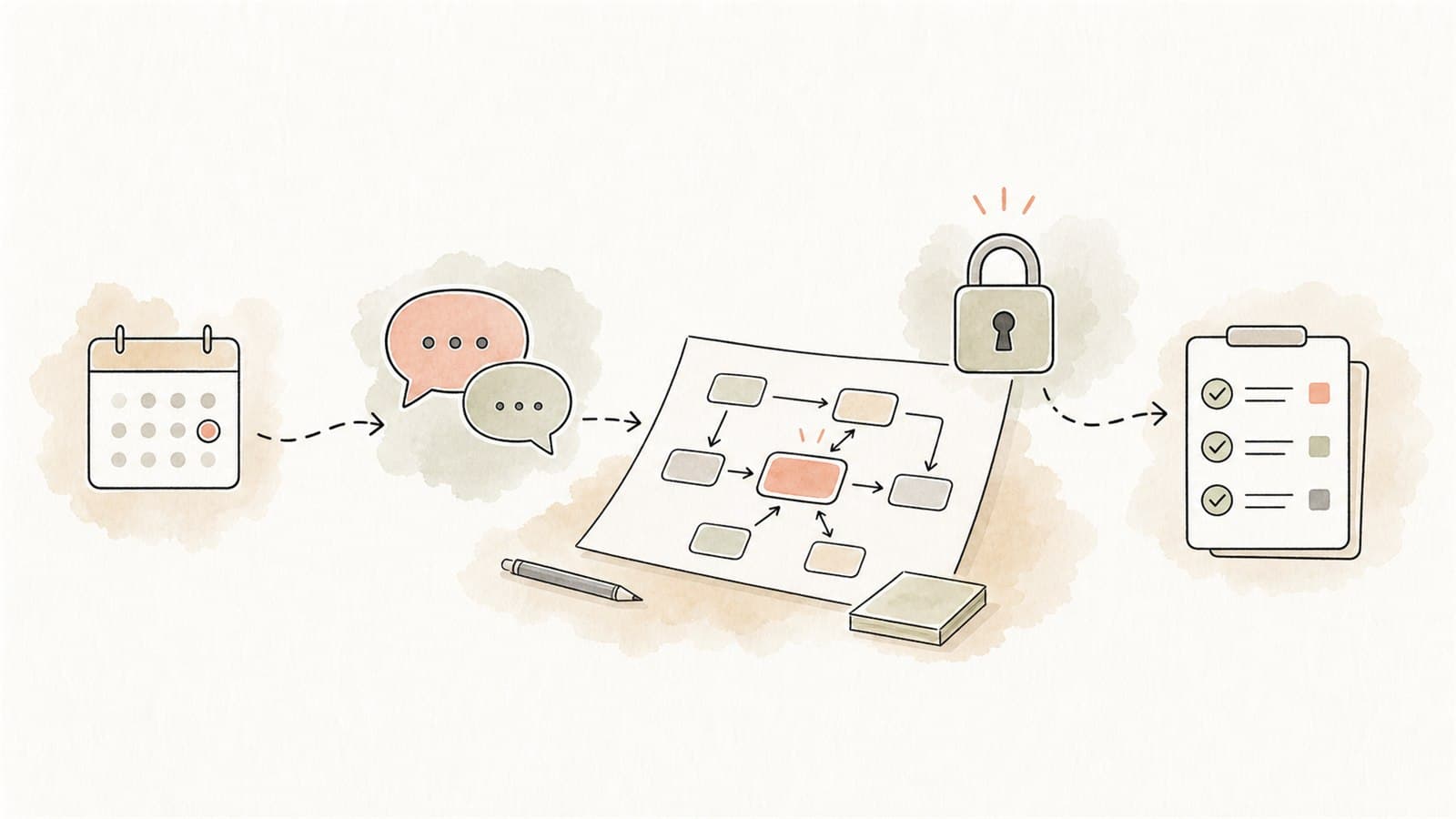
TLDR
An Eleticle free session is a practical first conversation for Australian businesses exploring private AI workflows. The aim is not to sell a giant transformation program. It is to identify whether one real workflow could be safely improved with AI-assisted drafting, retrieval, summarisation, extraction, triage, or follow-up.
By the end, you should have a clearer view of:
- Which workflow is worth exploring first
- What data the workflow uses
- What should stay outside AI
- Where human review belongs
- Whether a pilot is practical
- What a sensible next step would look like
Who the session is for
The free session is designed for business owners, practice managers, operations managers, admin leads, founders, and team leaders who can point to a repeated workflow.
You do not need technical knowledge. You do need a practical problem, such as:
- Staff keep searching SOPs, policies, manuals, or folders
- Admin teams copy fields from PDFs, forms, reports, or emails
- Enquiries and follow-ups are slow or inconsistent
- Internal knowledge is scattered
- Staff rewrite the same replies or notes
- Document review queues are growing
- The team wants to use AI but is unsure what is safe
What to send before the session
Use the contact page to send a short message. Please do not include confidential or highly sensitive information in the website form.
Helpful details include:
- The workflow you want to discuss
- The team or role affected
- The type of documents or messages involved
- What currently takes too long
- What output staff need at the end
- Any obvious privacy or security concerns
Do not send customer records, patient information, staff records, passwords, API keys, contracts, or sensitive documents through the initial form. If sensitive details are needed later, Eleticle can discuss an appropriate channel and scope.
The session structure
1. Workflow snapshot
The first step is to understand the actual work. This is usually more useful than starting with model names or AI products.
Questions may include:
- What triggers the workflow?
- What does the team receive?
- What does the team need to produce?
- Who reviews or approves the output?
- Where does the work get stuck?
- How often does it happen?
- What systems or folders are involved?
The goal is to find the repeatable shape of the work.
2. Data boundary check
Next, the session looks at what information the workflow uses.
This may include:
- Public information
- Internal policies or SOPs
- Customer enquiries
- Staff information
- Financial details
- Health or sensitive information
- Supplier documents
- Contracts
- Operational reports
The OAIC's guidance on privacy and commercially available AI products is clear that privacy obligations can apply to both AI inputs and AI outputs involving personal information. So the session treats data boundaries as part of the workflow design, not as an afterthought.
3. AI fit assessment
Not every workflow needs AI. Some need a better form, a clearer SOP, a simpler spreadsheet, or a normal automation.
AI may be a good fit if the workflow involves:
- Summarising text
- Finding answers in documents
- Extracting fields
- Classifying requests
- Drafting replies
- Checking completeness
- Preparing handover notes
- Flagging exceptions
AI may be a poor first fit if the task requires:
- Final decisions about people
- High-stakes judgement without review
- Sensitive information in unmanaged tools
- Real-time system control
- Source material that is outdated or contradictory
- Outputs the team cannot verify
4. Human review design
A practical AI workflow should define where people stay in control.
The session may identify:
- Who reviews the draft
- Which outputs can be used internally
- Which outputs need approval before being sent
- Which cases should be escalated
- What the assistant should say when uncertain
- What records should be kept
The National AI Centre's essential AI practices place human control, testing, monitoring, accountability, and risk management at the centre of responsible AI adoption. These are very practical ideas for small workflows.
5. Next-step options
If the workflow looks suitable, the session can outline a next step. That may be:
- A lightweight workflow map
- A document readiness review
- A small prototype
- A private knowledge assistant pilot
- A document extraction proof of concept
- An enquiry triage and reply-drafting pilot
- A decision not to use AI yet
Sometimes the best outcome is clarity that the workflow is not ready. That can save time and money.
What the session is not
The free session is not:
- Legal advice
- Privacy compliance advice
- Cyber security assurance
- A promise that AI will fit every workflow
- A request for confidential documents through the website form
- A commitment to deploy a system immediately
- A generic AI training webinar
It is a practical discovery conversation.
What to prepare if you want a useful conversation
Bring one workflow, not ten. A focused example makes the session much more useful.
Good preparation:
- One repeated workflow
- A rough before-and-after description
- A de-identified sample input if safe to share later
- A blank template or public example
- The current source material, if not sensitive
- The approval step
- The team member who knows what good output looks like
If you cannot share examples yet, describe the workflow in general terms. That is enough for an initial fit check.
Example session outcomes
Internal knowledge assistant
The workflow is staff asking repeat SOP questions. The next step may be to identify approved source documents, remove stale files, define who can access the assistant, and create test questions.
Document processing
The workflow is manual copying from forms or PDFs. The next step may be to map fields, define confidence checks, create an exception queue, and decide what staff must approve.
Enquiry follow-up
The workflow is slow response to website enquiries. The next step may be to classify enquiry types, define approved reply templates, draft CRM notes, and keep staff approval before sending.
Not ready yet
The workflow depends on unclear source material, high-risk decisions, or unmanaged sensitive information. The next step may be cleanup, policy work, or a narrower pilot.
How the session handles privacy and security
The session starts from a conservative position:
- Do not put sensitive information in the contact form
- Do not paste private business data into public AI tools
- Minimise personal information
- Keep human review for important outputs
- Use approved source material
- Define what the assistant can and cannot do
- Test before relying on the workflow
The ASD's ACSC guidance on engaging with AI encourages organisations to understand AI limits, train staff, validate outputs, and consider privacy and security obligations. Those ideas shape the way Eleticle scopes early workflows.
The best first question
If you are unsure whether to request a session, ask:
Do we have one repeated workflow where staff spend time reading, searching, copying, drafting, checking, or following up?
If yes, the session can help decide whether AI should assist it, and what boundaries would make that safe enough to explore.
Requesting a session
If you have one repeated workflow worth exploring, you can request a free session through the contact page. If you are not sure which workflow to bring, How to Identify Your First AI Workflow can help you choose.