Business Guides
How to Prepare Your Documents for a Private AI Assistant
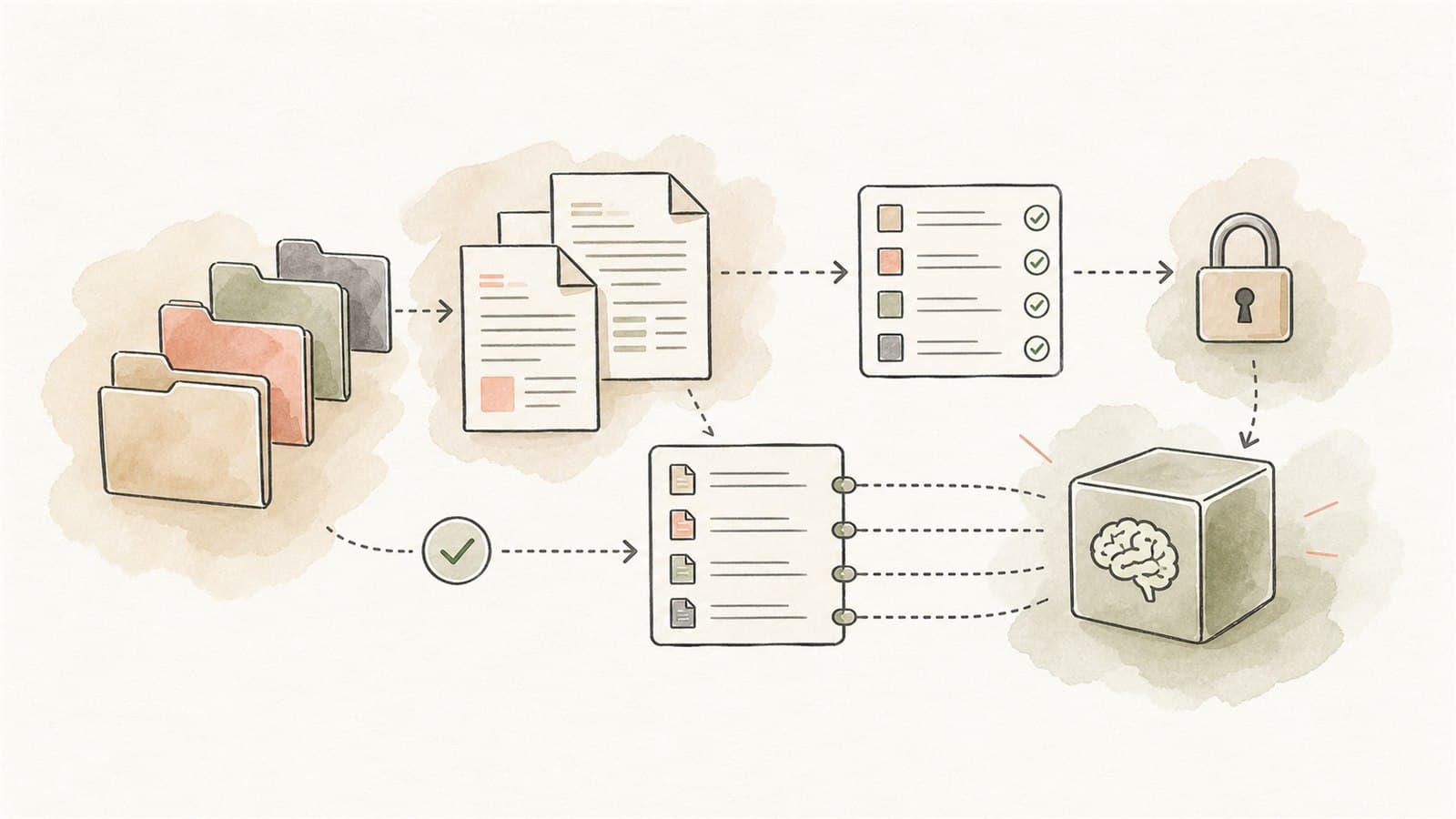
TLDR
A private AI assistant is only as useful as the documents it is allowed to use. Before building, clean up the source material, decide what is approved, remove stale files, classify sensitive content, define permissions, and create test questions.
The goal is not to make every document perfect. The goal is to give the assistant a trustworthy working set and make it clear where people still need to review the source.
Why document preparation matters
Many businesses want a private AI assistant that can answer staff questions from SOPs, policies, manuals, product sheets, forms, and internal notes. That is a good use case, but the assistant cannot fix messy knowledge by itself.
If your shared drive contains four versions of the same procedure, old pricing sheets, unfinished drafts, duplicated PDFs, and files with unclear ownership, the AI assistant may retrieve the wrong thing faster.
Document preparation gives the system a clean foundation:
- Approved sources
- Clear ownership
- Current versions
- Sensitivity labels
- Access rules
- Test examples
- A maintenance process
That foundation supports the National AI Centre's Guidance for AI adoption: foundations, especially around accountability, risk management, testing, monitoring, and human control.
Step 1: Choose the first knowledge area
Do not start by indexing every file the business owns. Pick one knowledge area that matters.
Good first areas include:
- Reception SOPs
- Onboarding material
- Product information
- Internal FAQs
- Maintenance manuals
- Safety procedures
- Service templates
- Common admin workflows
- Policy lookup for staff
The first area should have a clear owner and frequent questions from staff.
Step 2: Build a source inventory
Create a simple spreadsheet or table of candidate documents.
Use columns such as:
| Field | Example |
|---|---|
| Document name | Reception SOP v3 |
| Location | SharePoint / SOPs / Reception |
| Owner | Practice manager |
| Status | Approved |
| Last reviewed | 2026-04-12 |
| Sensitivity | Internal, no sensitive personal information |
| Audience | Admin staff |
| Include in assistant? | Yes |
The inventory matters because somebody needs to know what the assistant is using. The National AI Centre's implementation guidance also encourages keeping clear records and AI system inventories as AI use grows.
Step 3: Remove stale and duplicate files
Before indexing documents, remove or quarantine:
- Superseded policies
- Old price lists
- Drafts not meant for staff use
- Duplicate PDFs
- Screenshots with missing context
- Files where nobody knows the owner
- Outdated training material
- Documents that contradict current practice
If an old document must be retained for records, keep it out of the assistant unless users genuinely need it and the assistant can distinguish it from current guidance.
Step 4: Decide what the assistant is allowed to answer
Write a plain-English scope statement.
For example:
The assistant can answer staff questions about current reception SOPs, appointment booking steps, phone scripts, and escalation rules. It cannot provide clinical advice, make patient decisions, answer payroll questions, or interpret legal obligations.
This keeps the assistant from becoming a general-purpose oracle. It also helps staff understand when to rely on it and when to ask a person.
Step 5: Classify sensitive content
The OAIC's AI privacy guidance notes that privacy obligations apply where AI systems handle personal information, including AI outputs that contain personal information.
Review the document set for:
- Customer or patient names
- Staff names or employment details
- Health information
- Financial records
- Case notes
- Complaints
- Photos or scans of identifiable people
- Login details or security information
- Confidential contracts
If the assistant does not need that information, remove or redact it. If the workflow does need sensitive information, it needs stronger controls and may not be a good first pilot.
Step 6: Define permissions
Not every staff member should necessarily see every source. A private assistant should respect the business's access model.
Ask:
- Which staff groups can use the assistant?
- Which documents can each group access?
- Are there documents for managers only?
- Should some sources be excluded from search?
- Can outputs be saved or copied into other systems?
- Who can add or update source documents?
If the existing folder permissions are messy, fix those before connecting the documents.
Step 7: Make documents easier to retrieve
AI retrieval works better when documents are structured clearly.
Improve:
- Descriptive filenames
- Clear headings
- Shorter sections
- Current date and owner
- Version history
- Consistent terminology
- Tables that are not screenshots
- PDFs with selectable text rather than scanned images
- One topic per document where practical
You do not need to rewrite everything. But if staff struggle to understand a document, the assistant probably will too.
Step 8: Create review questions
Before launch, create test questions that represent real staff needs.
Examples:
- "What should reception do if a customer asks to reschedule?"
- "Which form is needed for a new supplier?"
- "What information must be checked before a quote is sent?"
- "When should this request be escalated?"
- "Where is the current procedure for after-hours enquiries?"
For each question, write the expected source document and what a good answer should include. This lets you test whether the assistant retrieves the right material and avoids making things up.
Step 9: Decide how answers should cite sources
A private assistant should usually show where the answer came from. For business workflows, source references are not decoration. They let staff check important details.
A useful answer format might include:
- Short answer
- Relevant source document
- Section or page reference
- Confidence or uncertainty note
- Suggested next step
- Escalation instruction when the source is unclear
This helps keep people in control.
Step 10: Plan maintenance
The assistant will drift out of date if nobody owns the source set.
Decide:
- Who approves new documents
- Who removes old documents
- How often the source set is reviewed
- How staff report bad answers
- How corrections are handled
- How access changes are applied
- What happens when a policy changes
The ASD's ACSC guidance on engaging with AI recommends understanding AI system constraints, validating outputs, conducting health checks, and considering logging and monitoring. Those ideas apply directly to private knowledge assistants.
A document readiness checklist
Use this before building.
| Question | Ready? |
|---|---|
| Have we chosen one knowledge area? | |
| Does the area have a clear owner? | |
| Are current source documents identified? | |
| Have stale files been excluded? | |
| Have personal and sensitive details been reviewed? | |
| Are access rules clear? | |
| Are files readable and well named? | |
| Do we have test questions? | |
| Do we know what the assistant must not answer? | |
| Is there a maintenance owner? |
If several answers are "no", do a document cleanup sprint before building the assistant.
What good preparation makes possible
With the right document set, a private AI assistant can:
- Answer common staff questions faster
- Point people back to approved sources
- Reduce interruptions to senior staff
- Improve onboarding
- Highlight gaps in documentation
- Prepare checklists and summaries for review
- Keep sensitive material inside a controlled workflow
The system does not replace document ownership. It makes good documents easier to use.
A practical next step
Document preparation is often the real first step before any build. If you would like help reviewing your source material and scoping a private knowledge assistant, Eleticle runs a free session — here is what to expect.