Business Guides
What Not to Paste Into Public ChatGPT
TLDR
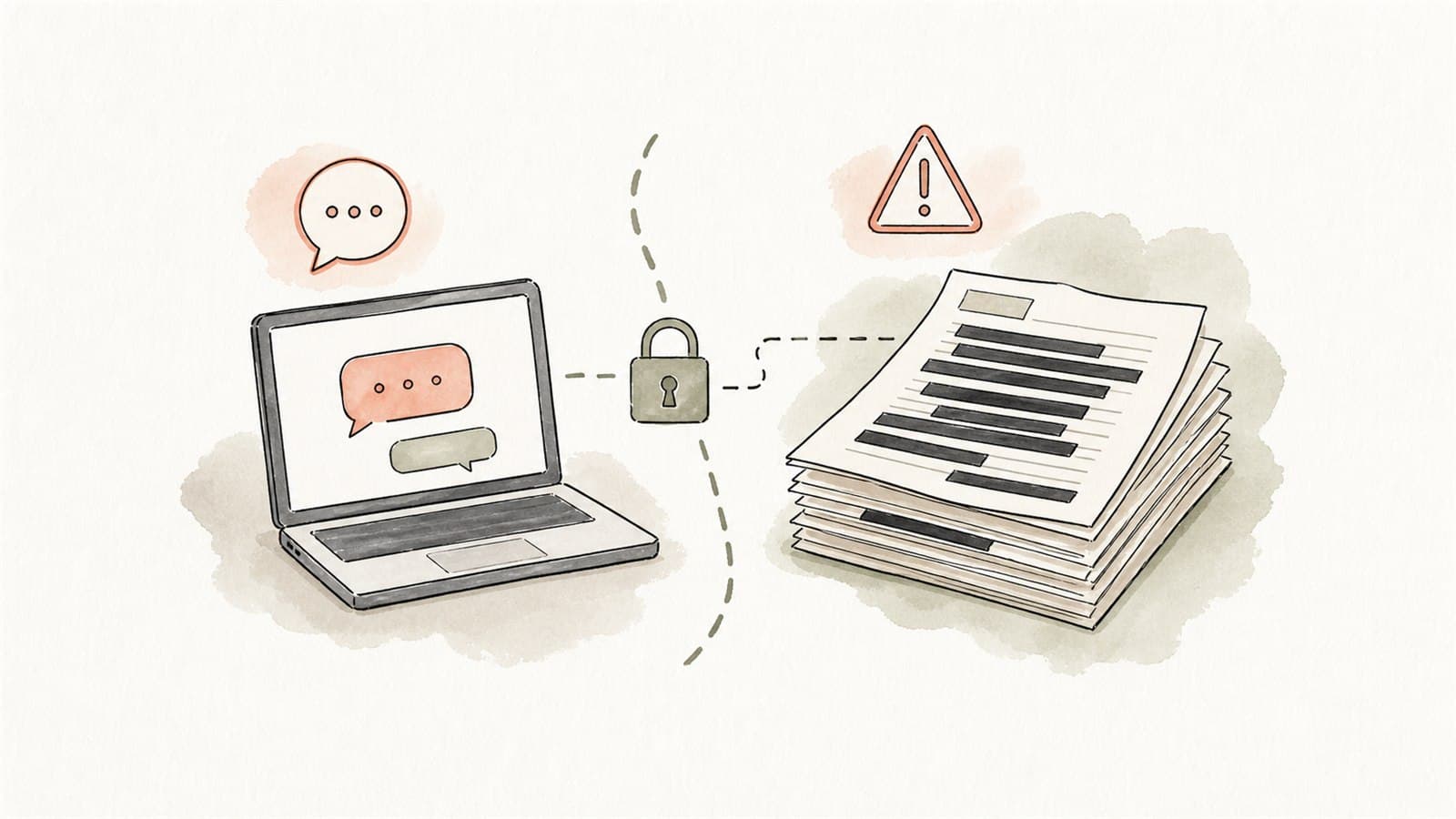
Public AI chat tools are useful for brainstorming, rewriting generic text, learning concepts, and creating first drafts from non-sensitive material. They are not the right place to paste customer records, staff information, health details, contracts, credentials, confidential business plans, proprietary code, or anything your business would not be comfortable disclosing to a third party.
For Australian businesses, the safe rule is simple:
If the prompt contains personal information, sensitive information, commercial secrets, security credentials, or material you do not have permission to share, do not paste it into a public AI chatbot.
The OAIC recommends that organisations do not enter personal information, especially sensitive information, into publicly available generative AI tools because of the privacy risks involved. See the OAIC's guidance on privacy and commercially available AI products.
Public chat is not the same as a governed workflow
ChatGPT and similar tools can be valuable, but a casual public chat window is not a business process. It usually lacks the access controls, workflow boundaries, retention settings, auditability, review rules, and data handling agreements that a business may need.
OpenAI's current business privacy material says that by default it does not use data from ChatGPT Enterprise, ChatGPT Business, ChatGPT Edu, ChatGPT for Healthcare, ChatGPT for Teachers, or the API platform to train or improve models. That is different from staff using personal or unmanaged public accounts. OpenAI also documents that personal ChatGPT users can control model improvement settings, but that does not turn a personal account into a governed business system. See OpenAI's business data privacy page and help article on data controls.
The buyer question is not "Is the model clever?" It is "Does this use fit our privacy, cyber, contractual, and operational boundaries?"
Do not paste personal information
Personal information is information or an opinion that identifies, or could reasonably identify, an individual. In practice, that can include:
- Names, emails, phone numbers, addresses, or customer IDs
- Staff records, performance notes, rosters, complaints, or disciplinary material
- Customer enquiries where the person is identifiable
- Appointment notes, claim details, case notes, or account histories
- Photos, recordings, transcripts, or screenshots that identify people
- Any combination of details that could identify someone indirectly
The OAIC notes that privacy obligations can apply both to information entered into AI systems and to outputs generated by AI where those outputs contain personal information. That means "the AI generated it" is not a privacy shortcut.
Do not paste sensitive information
Sensitive information has stronger privacy protection. Keep it out of public chat tools unless you have a properly governed, lawful, and consented process.
Examples include:
- Health information
- Racial or ethnic origin
- Political opinions
- Religious or philosophical beliefs
- Sexual orientation
- Criminal record
- Biometric or genetic information
- Union membership
This matters for clinics, allied health, HR, legal, finance, education, community services, and any business that handles vulnerable customer or staff information.
Do not paste passwords, API keys, or security details
Never paste:
- Passwords
- API keys
- Secret tokens
- Private keys
- Recovery codes
- Internal URLs that expose sensitive systems
- Firewall rules, access lists, or network diagrams
- Vulnerability reports that have not been remediated
- Production logs containing credentials or session identifiers
If a staff member has already pasted a secret into a public tool, treat it as exposed. Rotate it and review access.
The ASD's ACSC guidance on engaging with artificial intelligence encourages organisations to train staff on what data can and cannot be input into AI systems, and to understand privacy, data protection, logging, and monitoring implications.
Do not paste proprietary business material without permission
Some material may not be personal information, but it can still be commercially sensitive.
Avoid pasting:
- Unreleased business strategy
- Pricing rules and margin data
- Supplier agreements
- Confidential contracts
- Board papers
- Tender responses
- Financial forecasts
- Product roadmaps
- Internal policies not meant for external disclosure
- Proprietary code or architecture
- Customer lists and sales pipeline exports
Even when a tool's data terms look acceptable, the staff member still needs authority to disclose the material to that tool. A business plan should define which AI tools are approved for which classes of data.
Do not paste third-party material you are not allowed to share
Contracts, client briefs, partner files, licensed reports, paid market research, and customer-supplied documents may come with confidentiality or licensing restrictions.
Before using AI on third-party material, ask:
- Did the provider allow this type of processing?
- Does the contract restrict disclosure to subcontractors or external services?
- Does the material contain personal information?
- Is the AI provider allowed to store or process it in the relevant region?
- Would a de-identified summary be enough?
If the answer is unclear, do not paste the document into a public chatbot.
Do not paste live customer disputes, legal matters, or HR issues
Public AI tools are tempting when a message is stressful. That is exactly when boundaries matter.
Avoid using public chat for:
- Legal advice about a named person or dispute
- Employee performance or termination issues
- Customer complaints with identifiable details
- Insurance claims
- Debt collection matters
- Medical or safety incidents
- Regulated advice
AI can still help in safer ways. For example, you can ask for a generic structure for a complaint response without including names, dates, case details, or confidential facts. A private workflow may also prepare a draft from controlled source material for a qualified person to review.
Safer ways to use public AI tools
Public AI tools can still be useful if the prompt is clean.
Try:
- Use fictional examples
- Remove names, contact details, IDs, dates, and locations
- Replace customer details with placeholders
- Ask for a template, not a live case response
- Ask for a checklist, not a decision
- Summarise the issue in general terms
- Keep source documents out of the prompt
- Use approved business accounts for work tasks
- Keep a human review step for anything customer-facing
For example, instead of pasting a customer's full complaint, ask:
Draft a polite structure for responding to a customer who says a service appointment was missed. Include an apology, a request to confirm details, and an internal escalation note. Do not add facts.
That gives you a starting point without disclosing the customer.
A simple staff policy
Every team using AI should have a short, visible policy. It does not need to be a 40-page document to be useful.
Start with:
- Approved tools: which AI tools staff may use for work.
- Approved data: what information can be entered.
- Prohibited data: personal information, sensitive information, credentials, confidential contracts, and commercial secrets.
- Review rules: what outputs need human review before use.
- Escalation: who staff ask when they are unsure.
- Logging: whether prompts or outputs need to be saved for business records.
The National AI Centre's Guidance for AI adoption: foundations is a helpful baseline for this: decide who is accountable, understand impacts and plan accordingly, measure and manage risks, share essential information, test and monitor, and maintain human control.
When to move to a private AI workflow
Consider a private AI workflow when staff need AI to work with:
- Internal policies, SOPs, and manuals
- Customer records or case material
- Private document sets
- Templates and approval rules
- Role-based permissions
- Repeatable document processing
- Audit trails and human review points
"Private" does not always mean the model must run on your own machine. It means the workflow is controlled: data boundaries are designed, access is managed, outputs are reviewed, and the provider arrangement is appropriate for the risk.
The practical rule
If staff only remember one thing, make it this:
Public AI is for public or carefully de-identified work. Private business data needs a controlled business workflow.
That rule keeps AI useful without turning every prompt into a privacy and cyber risk.
Moving beyond public chat
If your team keeps reaching for public chat because the safer option is unclear, that gap is worth closing. Eleticle runs a free session to help Australian businesses scope one private workflow with proper data boundaries, and Private AI vs Public AI compares the options in more detail.