Technical Notes
Complete Guide: Setting Up Free Local Web Search & Fetch Tools for AI Agents (SearXNG + Firecrawl + MCP)
TL;DR
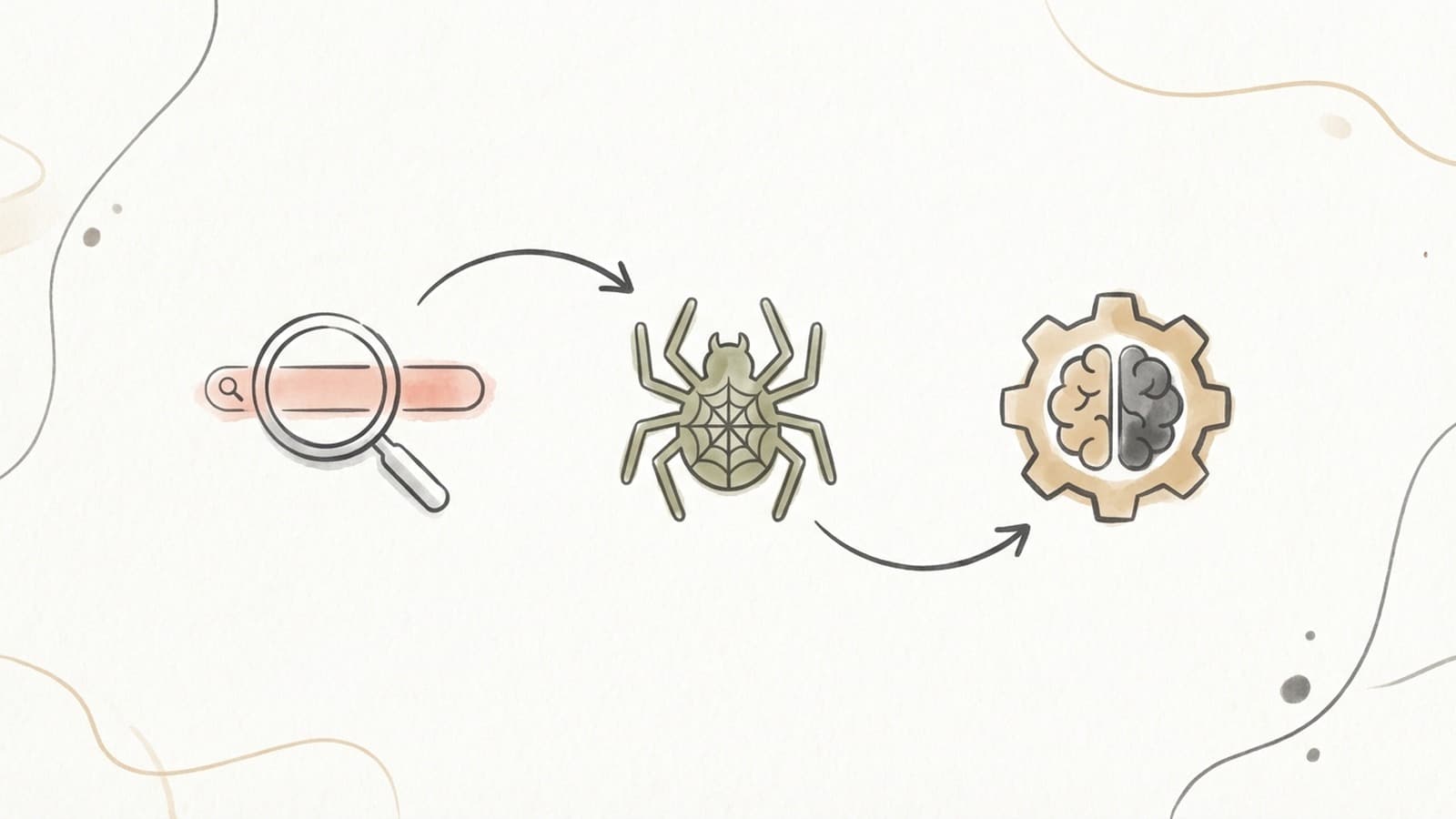
This guide shows you how to set up completely free, self-hosted web search and web scraping capabilities for AI agents. By combining SearXNG (privacy-focused meta-search), Firecrawl (web scraping/crawling), and Model Context Protocol (MCP) with a local LLM like Ollama, you can give your AI agents powerful internet access without paying for API keys or tying your queries to a tracked account. The search engines you enable still receive each query, sent from your own server rather than from a logged-in browser.
What you'll get:
- SearXNG - Self-hosted privacy-respecting search engine aggregating 100+ search engines
- Firecrawl - Self-hosted web scraping and crawling with MCP server support
- MCP integration - Connect both tools to your local LLM agent (Claude Code, Cursor, VS Code, etc.)
- 100% free - No API costs and no paid quota, fully self-hosted. Upstream engines still throttle heavy use, and SearXNG has settings for handling that.
Why Self-Host Web Tools for AI Agents?
AI agents need internet access to be truly useful - they need to search for information, scrape websites, and gather real-time data. However, most solutions have significant drawbacks:
| Solution | Cost | Privacy | Rate Limits | Control |
|---|---|---|---|---|
| Google Custom Search API | $5/month free, then $25/1000 queries | Low - Google tracks queries | Yes (10k queries/day) | None |
| Bing Search API | Paid only | Low - Microsoft tracks queries | Yes | None |
| Serper/SerpApi | Paid | Medium | Yes | None |
| SearXNG (self-hosted) | FREE | High - no account, engines still see queries | Upstream throttling only | Full |
| Firecrawl (self-hosted) | FREE | High | Target-site limits only | Full |
Benefits of self-hosting:
- Zero cost - Run on your own hardware
- Privacy - No search account, no advertising profile, and the engines see a request from your server rather than from you
- No paid quota - Query as much as the upstream engines allow; SearXNG rotates engines and backs off when one throttles
- Full control - Configure everything to your needs
- Runs on your own machine - The tools are self-hosted; searches still go out to the engines you enable
Part 1: Setting Up SearXNG (Web Search)
SearXNG is a free, open-source metasearch engine that aggregates results from over 100 search engines while protecting your privacy. It's perfect for AI agents because it provides a simple API and doesn't track queries.
Prerequisites
- Docker and Docker Compose installed
- At least 1GB RAM available
- Port 8888 available (or your preferred port)
Quick Setup with Docker Compose
1. Create the directory structure:
mkdir -p ~/searxng/core-config
cd ~/searxng
2. Download the docker-compose.yml and environment template:
curl -fsSLO https://raw.githubusercontent.com/searxng/searxng/master/container/docker-compose.yml
curl -fsSLO https://raw.githubusercontent.com/searxng/searxng/master/container/.env.example
3. Create your .env file:
cp .env.example .env
The default configuration is good for most use cases. Key settings:
SEARXNG_BASE_URL=http://localhost:8888- Access URLSEARXNG_SECRET- Generate a random secret:openssl rand -hex 32
4. Start SearXNG:
docker compose up -d
5. Verify it's running:
Visit http://localhost:8888 in your browser.
Configuring SearXNG for AI Agents
1. Enable JSON API responses:
Edit ~/searxng/core-config/settings.yml:
server:
  secret_key: "your-secret-key-here"
  # Enable JSON API
  enabled_http_methods: ["GET", "POST"]

search:
  # Return results as JSON for API usage
  default_lang: "en"

# Disable features you don't need to reduce resource usage
ui:
  static_use_hash: false
2. Configure search engines:
In settings.yml, you can enable/disable specific engines:
engines:
  - name: google
    engines: [google, google_news, google_images]
  - name: duckduckgo
    engines: [duckduckgo, duckduckgo_news]
  - name: wikipedia
    engines: [wikipedia]
Using SearXNG API
Basic search:
curl "http://localhost:8888/search?q=local+llm+setup&format=json"
Search with specific engines:
curl "http://localhost:8888/search?q=ai+agents&engines=google,duckduckgo,wikipedia&format=json"
Search with time filter:
curl "http://localhost:8888/search?q=mcp+protocol&time_range=year&format=json"
Part 2: Setting Up Firecrawl (Web Scraping)
Firecrawl is a self-hosted web scraping and crawling tool that can handle JavaScript-heavy websites, extract clean markdown, and even use AI for structured data extraction.
Prerequisites
- Docker and Docker Compose installed
- At least 4GB RAM recommended (for Playwright browser)
- Port 3002 available
Quick Setup
1. Clone the Firecrawl repository:
git clone https://github.com/firecrawl/firecrawl.git
cd firecrawl
2. Create the .env file:
cp apps/api/.env.example apps/api/.env
3. Configure for self-hosted (no auth, no AI features):
Edit apps/api/.env:
# ===== Required ENVS =====
PORT=3002
HOST=0.0.0.0

# Disable authentication for local use
USE_DB_AUTHENTICATION=false

# ===== Optional: Local LLM for AI features =====
# Uncomment and configure if you want AI extraction features
OLLAMA_BASE_URL=http://localhost:11434/api
MODEL_NAME=llama3.2
MODEL_EMBEDDING_NAME=nomic-embed-text

# ===== Optional: Use SearXNG for /search API =====
SEARXNG_ENDPOINT=http://localhost:8888
SEARXNG_ENGINES=
SEARXNG_CATEGORIES=

# Required for queue management
BULL_AUTH_KEY=your-secret-key-change-this

# Playwright and Redis (autoconfigured by docker-compose)
# PLAYWRIGHT_MICROSERVICE_URL=http://playwright-service:3000/scrape
# REDIS_URL=redis://redis:6379
4. Start Firecrawl:
docker compose up -d
5. Verify it's running:
Visit http://localhost:3002 in your browser. You should see the API docs.
Testing Firecrawl
Scrape a single page:
curl -X POST http://localhost:3002/v1/scrape \
  -H "Content-Type: application/json" \
  -d '{"url":"https://example.com","formats":["markdown"]}'
Search (using SearXNG backend):
curl -X POST http://localhost:3002/v1/search \
  -H "Content-Type: application/json" \
  -d '{"query":"local llm setup","limit":5}'
Part 3: Setting Up MCP Servers
Model Context Protocol (MCP) is a standard protocol that allows AI assistants to connect to external tools and data sources. Both SearXNG and Firecrawl have MCP servers.
Firecrawl MCP Server
The easiest way to use Firecrawl with AI agents is through its MCP server.
Option 1: Using npx (recommended for development):
# For Claude Code
claude mcp add firecrawl -e FIRECRAWL_API_URL=http://localhost:3002/v1 -- npx -y firecrawl-mcp

# For Cursor/VS Code, add to MCP config:
{
  "mcpServers": {
    "firecrawl": {
      "command": "npx",
      "args": ["-y", "firecrawl-mcp"],
      "env": {
        "FIRECRAWL_API_URL": "http://localhost:3002/v1"
      }
    }
  }
}
Option 2: Docker (recommended for production):
docker run -d \
  -e FIRECRAWL_API_URL=http://host.docker.internal:3002/v1 \
  --name firecrawl-mcp \
  mcp/firecrawl:latest
SearXNG MCP Server
There are several MCP implementations for SearXNG. Here's how to set one up:
Option 1: Using the official MCP servers repo:
# Clone and configure
git clone https://github.com/modelcontextprotocol/servers.git
cd servers

# Add to your MCP client config:
{
  "mcpServers": {
    "searxng": {
      "command": "npx",
      "args": ["-y", "@modelcontextprotocol/server-searxng"],
      "env": {
        "SEARXNG_INSTANCE_URL": "http://localhost:8888"
      }
    }
  }
}
Option 2: Using The-AI-Workshops implementation:
git clone https://github.com/The-AI-Workshops/searxng-mcp-server.git
cd searxng-mcp-server

# Configure and run
export SEARXNG_URL=http://localhost:8888
npx tsx server.ts
Part 4: Configuring Your AI Client
Claude Code
Add both MCP servers to your Claude Code configuration:
# Add Firecrawl MCP
claude mcp add firecrawl -e FIRECRAWL_API_URL=http://localhost:3002/v1 -- npx -y firecrawl-mcp

# Add SearXNG MCP
claude mcp add searxng -e SEARXNG_INSTANCE_URL=http://localhost:8888 -- npx -y @modelcontextprotocol/server-searxng
Or edit ~/.claude/settings.json:
{
  "mcpServers": {
    "firecrawl": {
      "command": "npx",
      "args": ["-y", "firecrawl-mcp"],
      "env": {
        "FIRECRAWL_API_URL": "http://localhost:3002/v1"
      }
    },
    "searxng": {
      "command": "npx",
      "args": ["-y", "@modelcontextprotocol/server-searxng"],
      "env": {
        "SEARXNG_INSTANCE_URL": "http://localhost:8888"
      }
    }
  }
}
Cursor
Go to Settings > Features > MCP Servers and add:
{
  "mcpServers": {
    "firecrawl": {
      "command": "npx",
      "args": ["-y", "firecrawl-mcp"],
      "env": {
        "FIRECRAWL_API_URL": "http://localhost:3002/v1"
      }
    },
    "searxng": {
      "command": "npx",
      "args": ["-y", "@modelcontextprotocol/server-searxng"],
      "env": {
        "SEARXNG_INSTANCE_URL": "http://localhost:8888"
      }
    }
  }
}
VS Code
Add to your User Settings (JSON):
{
  "mcp.servers": {
    "firecrawl": {
      "command": "npx",
      "args": ["-y", "firecrawl-mcp"],
      "env": {
        "FIRECRAWL_API_URL": "http://localhost:3002/v1"
      }
    },
    "searxng": {
      "command": "npx",
      "args": ["-y", "@modelcontextprotocol/server-searxng"],
      "env": {
        "SEARXNG_INSTANCE_URL": "http://localhost:8888"
      }
    }
  }
}
Part 5: Using the Tools
Available Firecrawl Tools
Once configured, your AI agent can use these tools:
| Tool | Description |
|---|---|
firecrawl_scrape | Scrape a single URL and return markdown |
firecrawl_search | Search the web (uses SearXNG if configured) |
firecrawl_crawl | Crawl multiple pages from a site |
firecrawl_map | Discover all URLs on a website |
firecrawl_extract | Extract structured data using AI |
firecrawl_agent | Autonomous research agent |
Example Usage
Ask your AI agent:
"Search for the latest news about local LLMs and summarize the top 3 results."
The agent will:
- Use
firecrawl_searchto find relevant pages - Use
firecrawl_scrapeto get content from top results - Summarize the findings
Or:
"Scrape the documentation from https://docs.searxng.org and explain how to configure it."
The agent will:
- Use
firecrawl_scrapeto get the documentation - Parse and explain the configuration options
Troubleshooting
SearXNG Issues
Problem: SearXNG won't start
# Check logs
docker compose logs searxng

# Ensure ports aren't in use
lsof -i :8888
Problem: No results from certain engines
Some search engines may be blocked due to IP reputation. Try:
- Enabling different engines in settings.yml
- Using a proxy
- Waiting and retrying (temporary blocks)
Firecrawl Issues
Problem: Playwright service fails
# Check if enough RAM is available
free -h

# Restart services
docker compose restart playwright-service
Problem: "Supabase client not configured" warnings
This is expected in self-hosted mode without Supabase. You can ignore these warnings - scraping still works.
MCP Issues
Problem: "Couldn't reach MCP server"
# Check if npx is working
npx -y firecrawl-mcp --help

# Check if the API is accessible
curl http://localhost:3002/v1
Resource Requirements
| Component | RAM | CPU | Storage |
|---|---|---|---|
| SearXNG | 256MB | Low | 100MB |
| Firecrawl (basic) | 1GB | Medium | 500MB |
| Firecrawl (with Playwright) | 2-4GB | Medium-High | 1GB |
| Total (recommended) | 4GB | 2 cores | 2GB |
Conclusion
You now have a completely free, self-hosted web search and scraping infrastructure for your AI agents:
- SearXNG provides privacy-respecting search aggregating 100+ engines
- Firecrawl handles web scraping, crawling, and content extraction
- MCP connects everything to your AI tools (Claude Code, Cursor, VS Code, etc.)
Total cost: $0 - Just your existing hardware!
This setup gives you:
- No paid quota on searches and scrapes; upstream engines still throttle heavy use
- Better privacy - no search account or advertising profile, though the enabled engines still receive the queries
- Complete control over configuration
- Runs on your own hardware, with the search engines and target sites as the only external parties
Next steps:
- Explore Firecrawl's AI extraction features with Ollama
- Configure SearXNG with additional search engines
- Set up reverse proxy (nginx/Caddy) for remote access
- Add authentication if exposing to the network