Business Guides
10 Admin Workflows That Can Be Safely AI-Assisted
TLDR
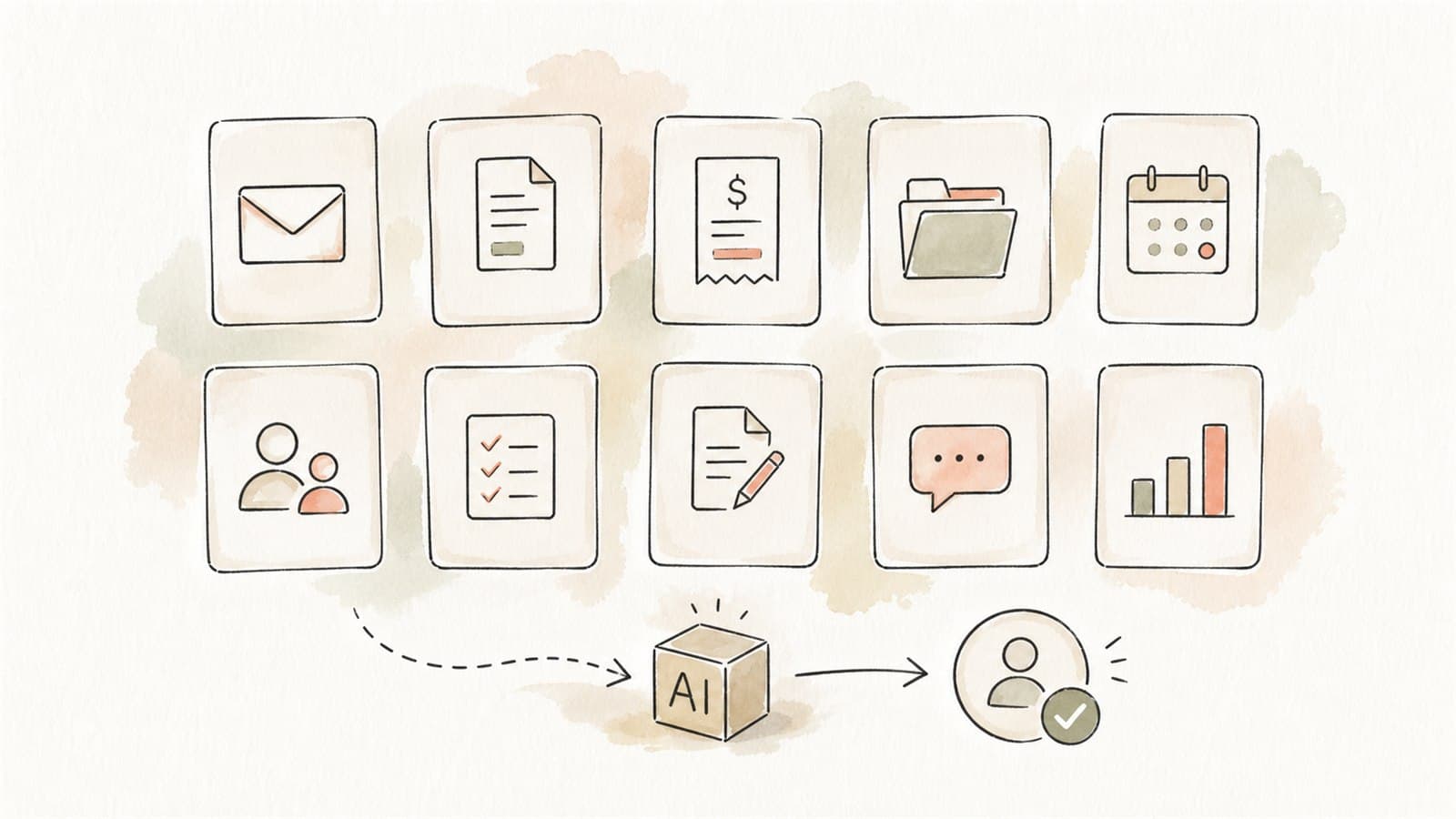
AI is often safest and most useful when it assists admin work rather than replacing judgement. It can prepare drafts, summaries, classifications, extracted fields, checklists, and exception flags. People should still approve important outputs.
The safest early workflows have three features:
- The task is repeated often
- The data boundary is clear
- A human reviews the result before action
This matches the National AI Centre's Guidance for AI adoption: foundations, which encourages accountability, risk management, testing, monitoring, and human control.
What "safely AI-assisted" means
Safely AI-assisted does not mean "fully automated." It means the AI prepares part of the work and the business controls what happens next.
For example:
- AI drafts the reply, but staff send it
- AI extracts invoice fields, but staff approve the record
- AI summarises a report, but a manager checks it
- AI flags missing information, but staff decide the next step
- AI suggests a category, but the workflow owner defines the allowed categories
That distinction matters. The OAIC's AI privacy guidance makes clear that privacy obligations can apply to both inputs and outputs involving personal information. The ASD's ACSC guidance on engaging with AI also recommends training staff on what information can be entered and validating AI outputs.
1. Enquiry triage
Incoming website forms and inbox messages can be classified by topic, urgency, location, service type, and next action.
AI can prepare:
- A short summary
- A suggested category
- A draft response
- A list of missing details
- A routing suggestion
Human review should cover:
- Whether the customer should receive a reply
- Pricing, commitments, or promises
- Sensitive or complaint-related matters
- Any unclear or high-risk request
This is a strong first workflow because the output is useful even when it is only a draft.
2. CRM notes and follow-up drafts
Sales, service, and account teams often lose time turning calls and emails into CRM notes. AI can convert a conversation summary into structured fields.
AI can prepare:
- Contact summary
- Customer need
- Next action
- Follow-up email draft
- Opportunity notes
- Risk or escalation flags
Human review should cover:
- Accuracy of customer facts
- Any promise or quote
- Tone and context
- Whether the note belongs in the CRM
Avoid including sensitive personal information in unmanaged public tools. For live customer data, use a controlled workflow.
3. Invoice and bill intake
Finance admin teams often copy fields from invoices, bills, and receipts into accounting or approval systems.
AI can prepare:
- Supplier name
- Invoice number
- Dates
- Amounts
- GST fields
- Purchase order references
- Missing-information flags
Human review should cover:
- Payment approval
- Supplier changes
- Bank details
- Unusual amounts
- Exceptions and duplicates
AI should not approve payment by itself.
4. Form processing
Many businesses receive intake forms, onboarding forms, application forms, safety forms, or service request forms.
AI can prepare:
- Field extraction
- Completion checks
- Summary notes
- Missing field flags
- Category or priority suggestions
Human review should cover:
- Any personal or sensitive information
- Exceptions
- Eligibility or acceptance decisions
- Customer-facing responses
This workflow benefits from clear templates and validation rules.
5. Meeting notes and action lists
AI can turn meeting notes or approved transcripts into practical actions.
AI can prepare:
- Decisions made
- Action items
- Owners and due dates
- Follow-up questions
- Summary for absent staff
Human review should cover:
- Consent and recording practices
- Accuracy of commitments
- Sensitive staff or customer discussion
- What should become an official record
Do not upload confidential meeting recordings into a public tool without checking privacy, consent, and policy requirements.
6. SOP and policy lookup
Staff often ask repeat questions because the answer is buried in folders, PDFs, or internal notes.
AI can prepare:
- Source-grounded answers
- Links back to the relevant document
- A short summary of the procedure
- Clarifying questions when the source is unclear
- Gaps where no approved source exists
Human review should cover:
- Important operational decisions
- Outdated or conflicting source material
- Exceptions outside the policy
- Changes to the approved source set
This is one of the most buyer-friendly first workflows because it reduces interruptions without asking AI to make final decisions.
7. Quote and proposal preparation
Teams often assemble quotes, proposals, and scopes from similar source material.
AI can prepare:
- A first draft
- Service descriptions
- Assumptions
- Exclusions
- Follow-up questions
- A checklist of required inputs
Human review should cover:
- Price and margin
- Contract terms
- Delivery commitments
- Client-specific risks
- Legal or compliance language
Keep pricing rules and confidential templates inside an approved business system, not unmanaged personal accounts.
8. Report summarisation
Long reports, inspection notes, technical documents, and operations updates can slow teams down.
AI can prepare:
- Executive summary
- Key findings
- Open issues
- Risk flags
- Action list
- Questions for the reviewer
Human review should cover:
- Technical accuracy
- Material omissions
- Whether the output overstates certainty
- Any decision made from the summary
This workflow works best when the summary links back to source sections or pages.
9. Customer complaint preparation
Complaint handling needs care. AI should not decide the outcome, but it can help staff structure the work.
AI can prepare:
- Issue summary
- Timeline
- Draft acknowledgement
- Missing information list
- Internal escalation note
- Policy or SLA lookup
Human review should cover:
- Empathy and tone
- Accuracy
- Legal or refund implications
- Any admission, promise, or settlement language
Complaint workflows should have tight data controls because they often contain personal information.
10. Weekly admin reporting
Managers often need a simple view of work completed, outstanding tasks, bottlenecks, and exceptions.
AI can prepare:
- Weekly summary
- Workload themes
- Overdue items
- Exceptions
- Draft manager update
- Questions for team leads
Human review should cover:
- Whether the data source is complete
- Any staff performance interpretation
- Sensitive details
- Decisions based on the report
AI is helpful here because it turns scattered updates into a consistent management rhythm.
How to choose which workflow to start with
Use this quick filter.
| Workflow trait | Good first candidate? |
|---|---|
| Happens weekly or daily | Yes |
| Uses repeated documents or messages | Yes |
| Has clear review owner | Yes |
| Needs final human approval | Yes |
| Requires AI to make a final decision about people | No |
| Requires sensitive data in a public tool | No |
| Has no way to test accuracy | No |
Pick one workflow where the team can feel the difference quickly. A narrow pilot with good boundaries is better than a broad AI rollout nobody can safely manage.
Minimum controls for admin AI workflows
Before starting, define:
- Approved tools and accounts
- What data can be used
- What data must never be entered
- Who reviews outputs
- What the AI is allowed to prepare
- What the AI is not allowed to decide
- How examples will be tested
- How staff report errors
- How source documents are maintained
- How the workflow will be measured
These controls keep the work practical. They also make it easier to move from a one-off experiment to a repeatable business process.
The useful starting point
The first AI admin workflow should feel boring in the best way. It should reduce repeated work, keep people in control, and make the next step clearer.
If the workflow needs magic, it is probably too broad. If the workflow needs a draft, summary, checklist, extraction, or exception flag, it may be ready.
Scoping one workflow
If one of these workflows sounds familiar, that is usually enough to start. Eleticle runs a free session to help Australian businesses scope a single admin workflow with clear boundaries and human review. If you are still weighing options, How to Identify Your First AI Workflow walks through the choice.